
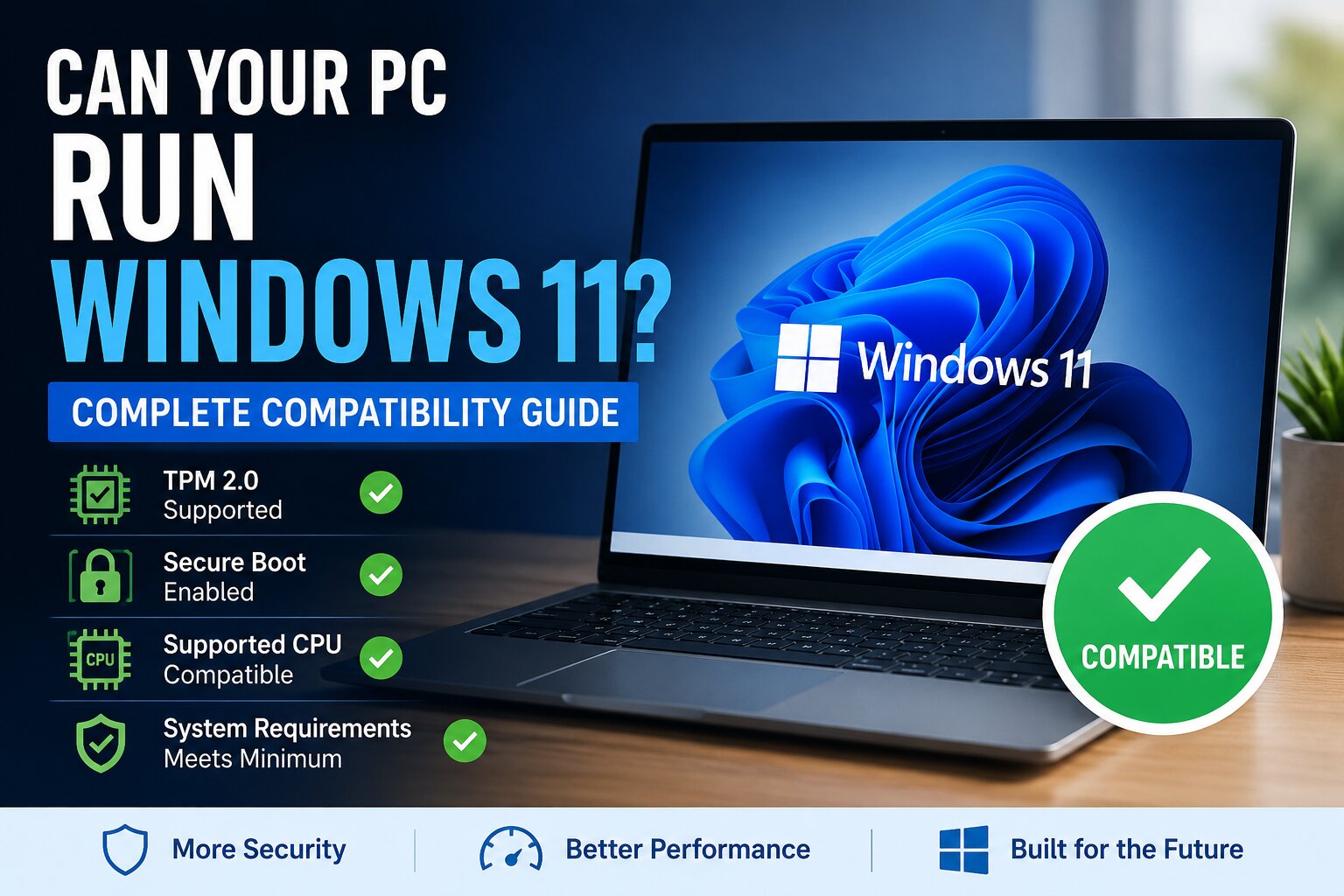
When people hear “your PC is not compatible with Windows 11”, they usually assume their computer is old, slow, or useless.
That’s not actually true.
In many cases, the PC is powerful enough to run Windows 11 perfectly fine. The problem is that Microsoft changed the rules from performance requirements to security requirements.
And that completely changed how people should think about buying computers.
The Real Difference Between Windows 10 and Windows 11
Previous Windows versions focused mostly on:
- CPU speed
- RAM
- Storage space
Windows 11 focuses heavily on:
- Hardware security
- Firmware protection
- Virtualization
- Modern chip architecture
That’s why some 6 year old gaming PCs fail the upgrade while cheap modern laptops pass instantly.
The issue is not always power. It’s architecture.
The Three Technologies That Decide Everything
Most compatibility problems come from only three things:
1. TPM 2.0
TPM is basically a built-in hardware security vault.
It stores:
- Encryption keys
- Login credentials
- Security verification data
Windows 11 was designed assuming this protection exists by default.
Without TPM, many modern security systems become weaker.
2. Secure Boot
Secure Boot prevents malicious software from loading before Windows starts.
Think of it as a security guard checking every component during startup.
Older PCs often use Legacy BIOS instead of UEFI, which breaks this chain of trust.
3. Supported CPUs
This is the controversial one.
Microsoft created an official supported CPU list because newer processors include:
- Virtualization security
- Better driver stability
- Modern instruction sets
- Improved power efficiency
This is why some older high end CPUs are blocked even if they are still fast.
Why Microsoft Is Pushing This So Hard
This is not only about Windows.
It’s about the future of PCs:
- AI processing
- Hardware-level security
- Cloud identity systems
- Encrypted computing
- Copilot and AI acceleration
Modern operating systems increasingly depend on hardware capabilities, not just software optimization.
Windows 11 is basically Microsoft preparing PCs for the next 10 years.
The Hidden Truth About “Unsupported PCs”
Here’s what many tech videos don’t explain properly:
Yes, you can install Windows 11 on unsupported hardware.
But compatibility is not binary.
There are levels:
| Hardware Situation | Reality |
|---|---|
| Slightly unsupported CPU | Usually works fine |
| No TPM | Security reduced |
| Legacy BIOS | Potential instability |
| Very old hardware | Driver problems likely |
The real question is not:
“Can it install?”
The better question is:
“Will this PC still be reliable 3 years from now?”
That’s the buying decision people should care about.
What Smart Buyers Should Actually Look For
Most laptop buyers focus on:
- RAM
- Storage
- Processor branding
But for long-term Windows 11 compatibility, these matter more:
Priority #1 : Modern Platform
A newer mid-range CPU is often better than an older flagship processor.
Priority #2 : SSD + 16GB RAM
This impacts real-world speed more than people think.
Priority #3 : Upgradeability
Can RAM or storage be upgraded later?
Priority #4 : Battery and Thermals
Thin laptops with poor cooling age badly.
The Biggest Mistake Buyers Make
Many people buy laptops based on specs alone.
But Windows 11 performance depends heavily on:
- Firmware optimization
- Thermal management
- SSD quality
- Driver support
That’s why two laptops with “identical specs” can feel completely different after one year.
The real buying decision is ecosystem quality, not only specifications.
Why This Matters More in 2026 and Beyond
The PC market is shifting toward:
- AI PCs
- ARM processors
- NPUs, also called AI chips
- Cloud assisted computing
Future Windows updates will likely depend even more on specialized hardware.
Compatibility requirements may become stricter, not looser.
Buying a Windows 11 PC today is increasingly about future-proofing, not just current performance.
Final Thought
The biggest misunderstanding about Windows 11 compatibility is this:
Unsupported does not always mean unusable.
But supported hardware usually means:
- Better security
- Longer update support
- Fewer driver issues
- Better future compatibility
And for most buyers, that matters more than saving a small amount on outdated hardware.